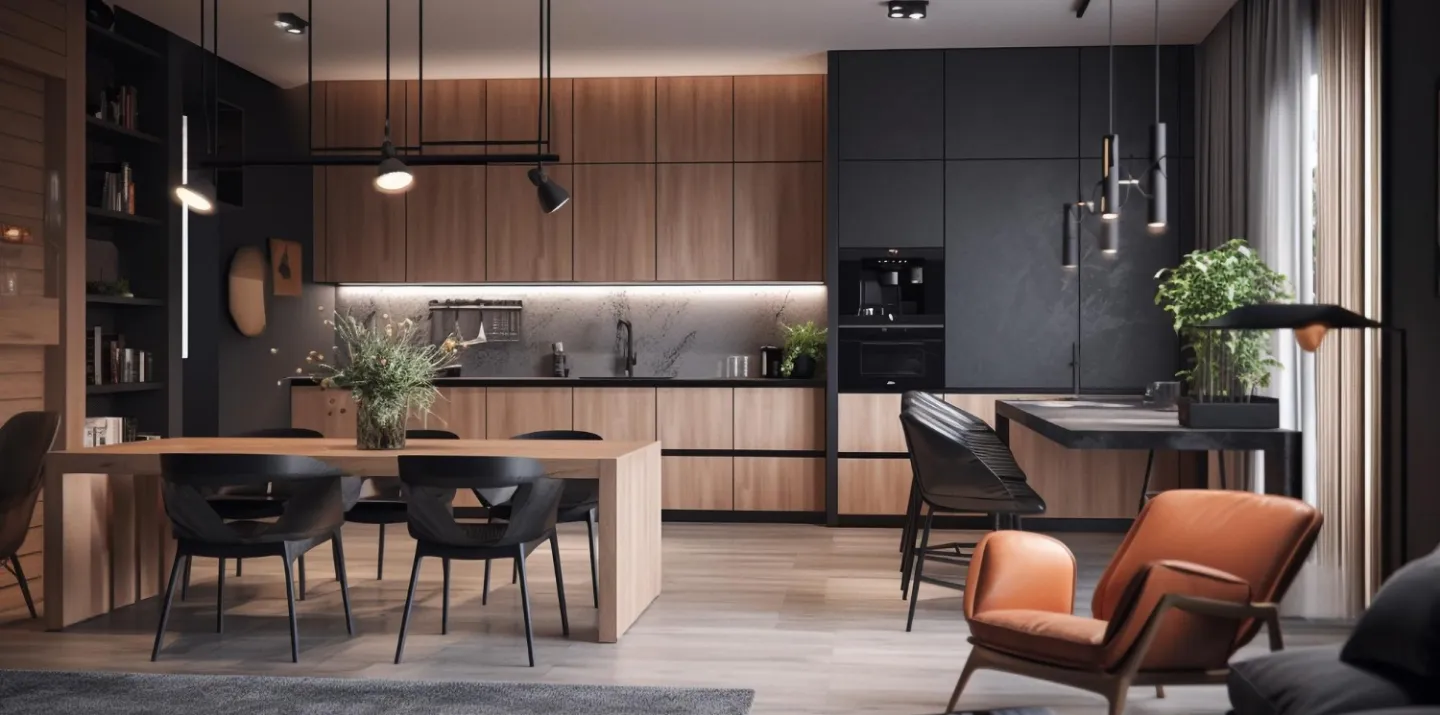
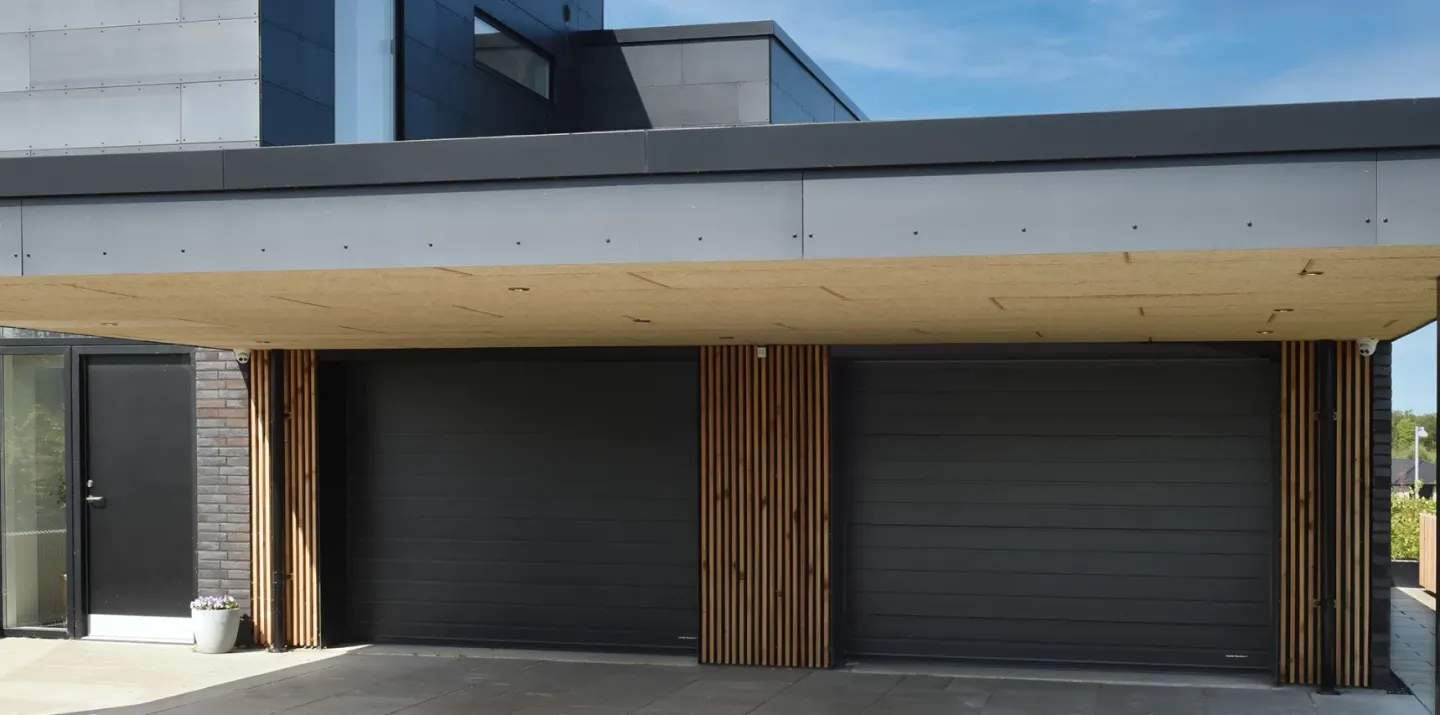
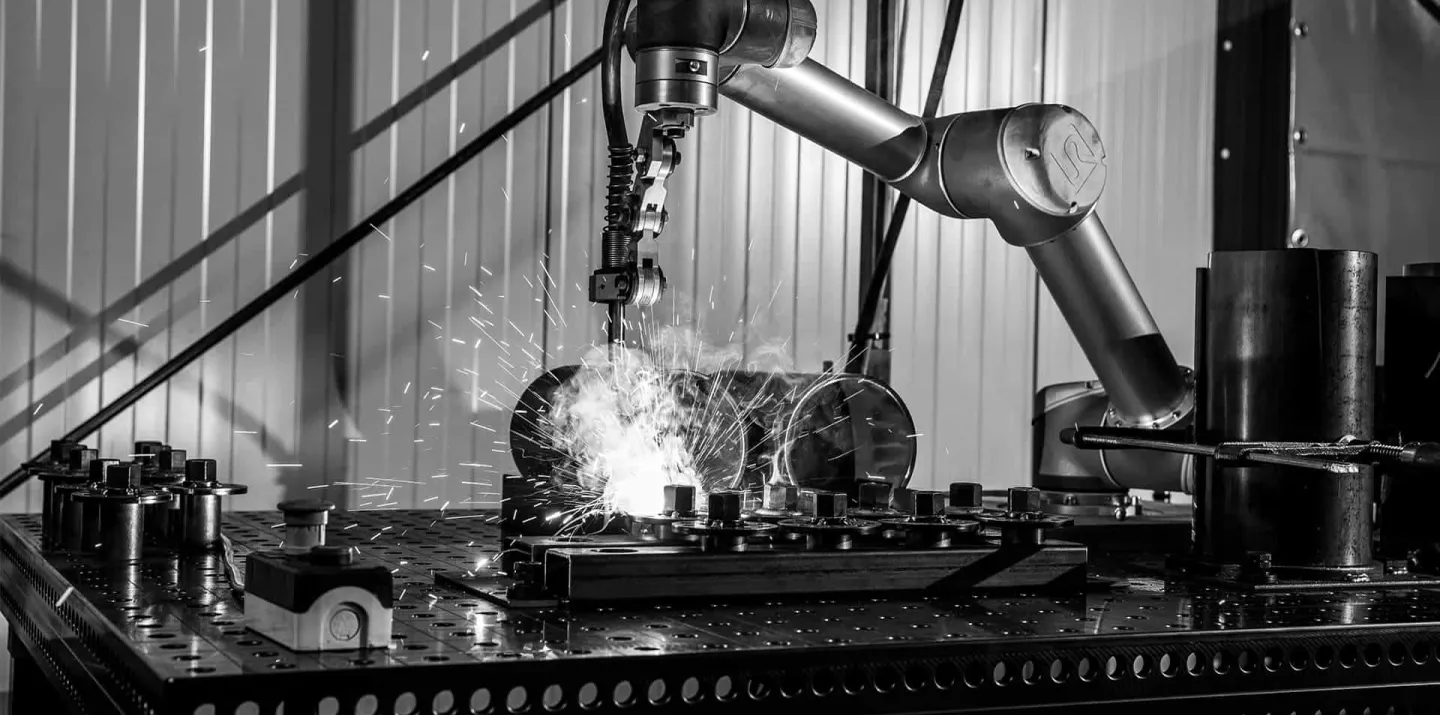
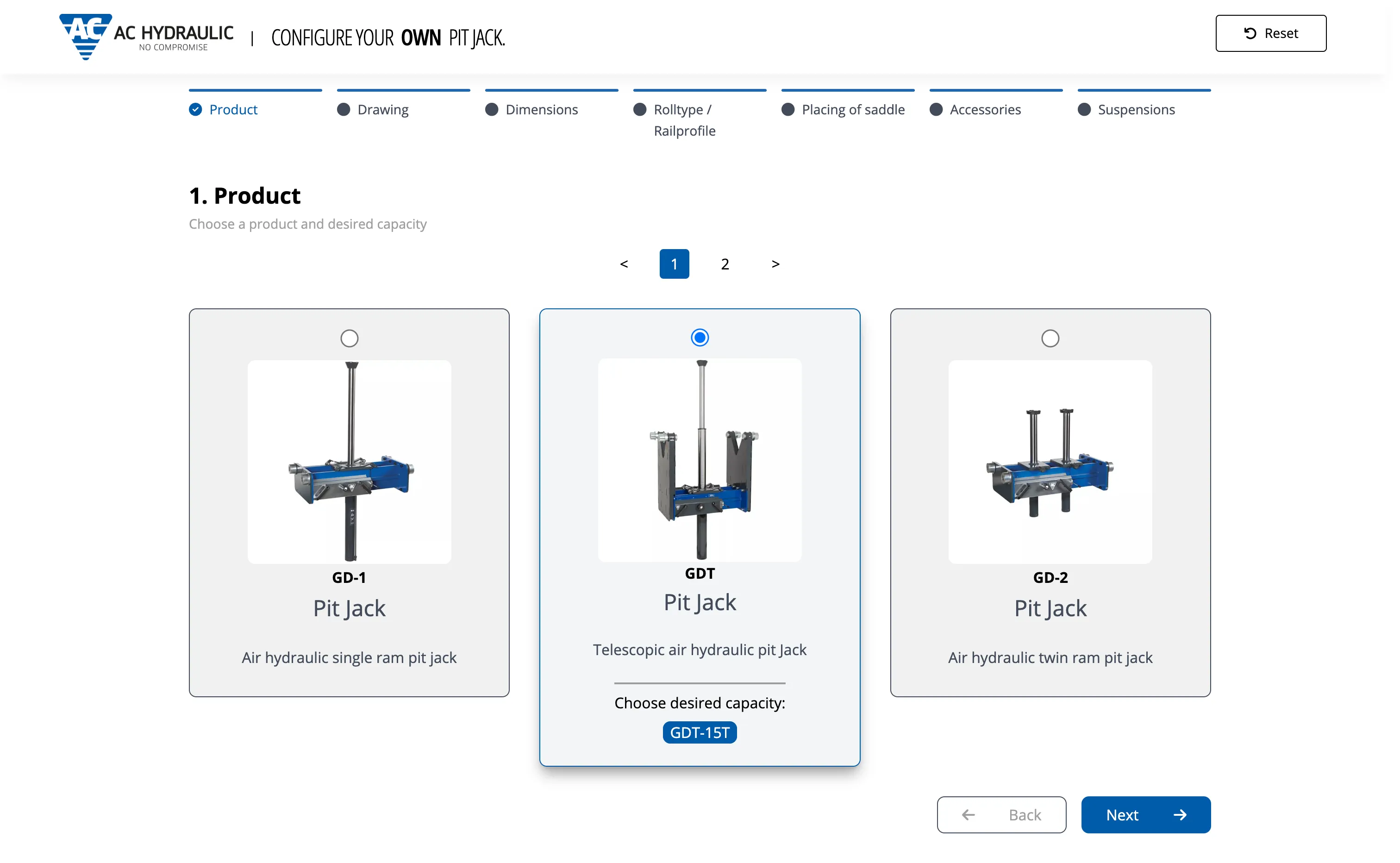
Real-time 3D views
3D models update as options, sizes, materials, and accessories change in the configurator.
構成を検証するのと同じルールが2D/3D表示も駆動します。営業・販売店・買い手が選択ごとに更新を確認でき、同じビジュアルを見積PDFに埋め込めます。
Live demo
Audi Q3, real-time 3D configuration
前
Option lists the buyer cannot picture
後
Product view updates with each selection
前
Clarification calls after the quote goes out
後
Shared visual reference before they sign
前
Static images that lag behind the configuration
後
Live 2D and 3D from the same CPQ rules
実プロジェクト
自動車コンフィギュレーターから産業機械まで、Mercura CPQ上の本番品質2D・3Dレンダリング。
What you get
Selections, rules, and materials feed one visual model. Buyers see the configured product; sellers use the same view in the session and in outbound documents.
3D models update as options, sizes, materials, and accessories change in the configurator.
Each selection updates the view in the session, without page reloads or offline render jobs.
Surface materials, colours, and textures reflect the configured specification, not a generic catalogue shot.
Rotate, zoom, and inspect the configured product before the quote is sent.
Where it fits the product, buyers can place the configuration in their environment via tablet or mobile AR.
Configured visuals can embed in PDF quotes, proposals, and shareable links from the same configuration state.
ビジュアルが効く場面
産業機器の買い手は触れない設備を承認することが多い。ビジュアルはオプションコードを調達がレビューできる形にします。
Procurement and project teams can compare options visually instead of decoding BOM lines and spec tables alone.
Long attribute lists are hard to sell on paper. Visuals show how combinations change size, layout, or finish.
Share a configured view on site, in a video call, or inside the proposal document.
仕組み
CPQに組み込まれた製造業グレードのビジュアル、別のゲームエンジンではありません。
オプション変更のたびに2Dまたは3D製品ビューが即座に更新、顧客への即時フィードバック。
Materials, finishes, and assembly context reflect the configured BOM, not a marketing render disconnected from the quote.
For equipment and building products, buyers can preview fit in their space via tablet or mobile.
Configured screenshots and renders can flow into quote PDFs and proposals without manual export from another system.
ビジュアルパイプライン
1つの製品モデルが、Webコンフィギュレーター、営業ポータル、見積ドキュメント、AR体験全体のビジュアルを駆動、常にライブ構成ルールと同期。
Mercura CPQ
ルールと選択
ビジュアルエンジン
リアルタイム2D・3Dレンダリング
出力チャネル
ビジュアルCPQは技術検証の代わりにはなりません。営業・買い手・エンジニアリング間の誤解を減らします。
承認が明確に
調達とプロジェクトチームが価格とBOMと一緒に構成ビューを確認できます。
見積後の手戻りが減る
共有ビジュアルでレイアウト・仕上げ・範囲の認識ズレが減ります。
チャネル共通のビジュアル
Webコンフィギュレーター、販売店ポータル、見積PDFが同じ状態を示せます。
Fit and limits
Mercura shows buyers configuration-driven 2D and 3D views tied to the same rules as quoting. It is not a CAD authoring tool or a marketing render farm.
If you only need hero images or brochures that never change per option, a design studio or DAM is enough. CPQ visuals update with every valid selection.
Engineering models and release control stay in CAD and PLM. Mercura consumes structure and assets for sales-facing views and quote embeds, not detailed design work.
Visuals driven by rules need a configuration model behind them. Build product modelling and the configuration engine before you invest in interactive renders.
Highly bespoke CGI for one-off projects may still need external rendering pipelines. Mercura focuses on sales-accurate views from configured BOMs and options.
Related
If your bottleneck is not “buyers cannot see what they configured,” fix configuration data before you add visuals.
CPQデモのリクエスト