
Real-time 3D views
3D models update as options, sizes, materials, and accessories change in the configurator.
The same rules that validate a configuration also drive 2D and 3D views. Sales, dealers, and buyers see the product update with each option, and the same visuals can embed in quote PDFs without a separate design pass.
Live demo
Audi Q3, real-time 3D configuration
From
Option lists the buyer cannot picture
To
Product view updates with each selection
From
Clarification calls after the quote goes out
To
Shared visual reference before they sign
From
Static images that lag behind the configuration
To
Live 2D and 3D from the same CPQ rules
Real projects
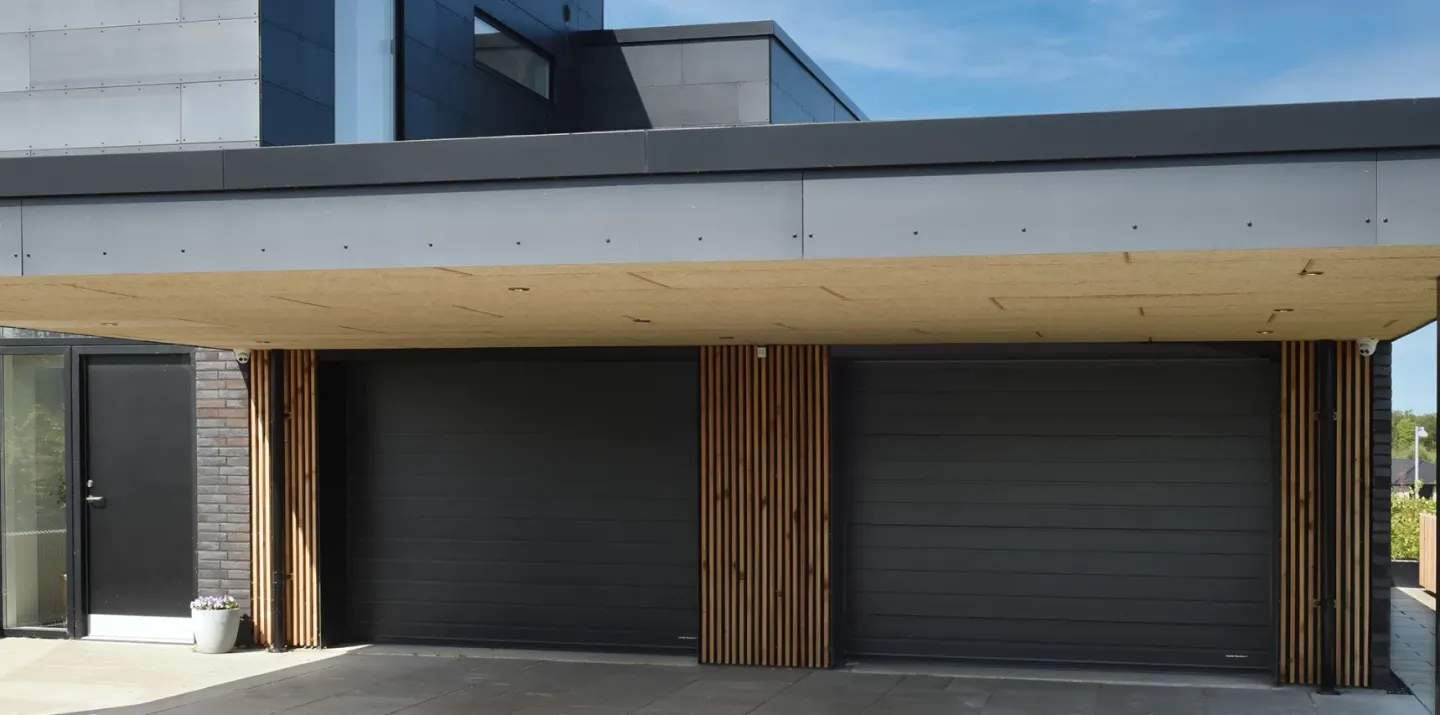
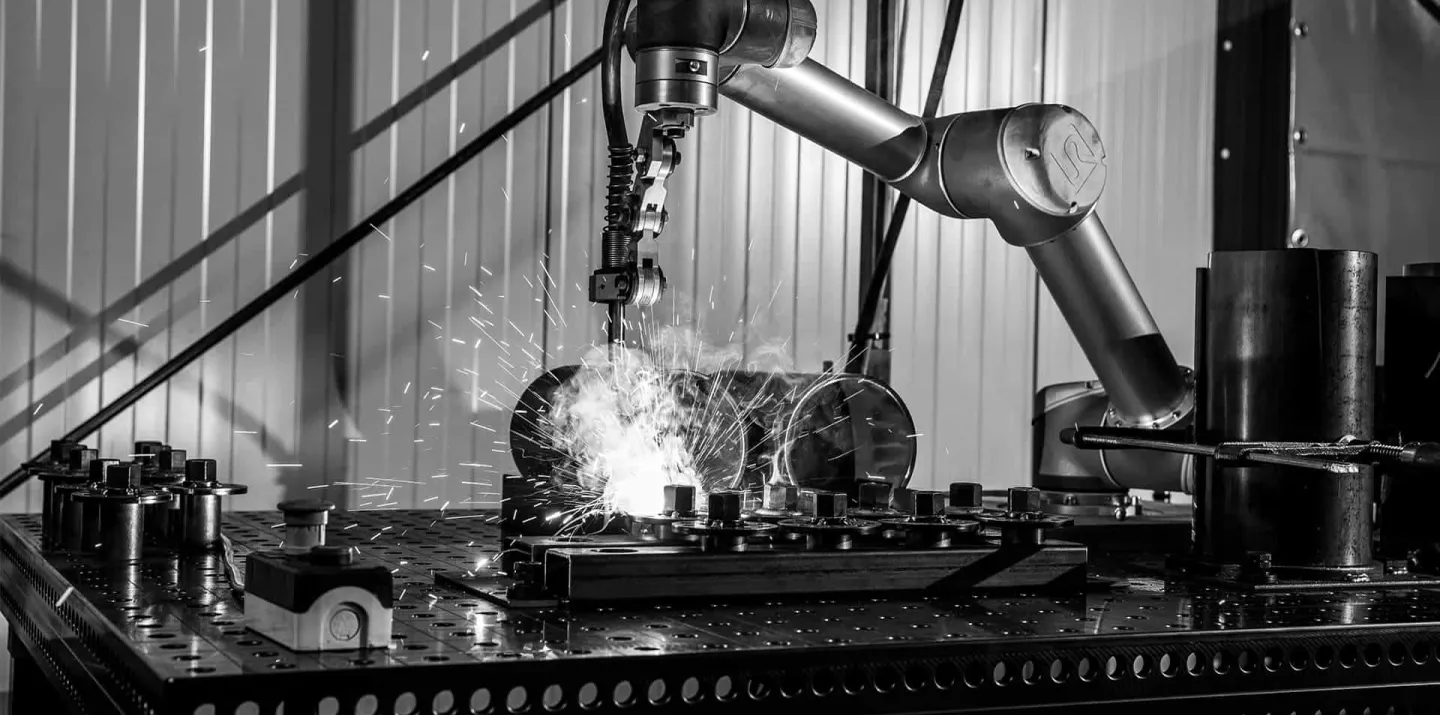
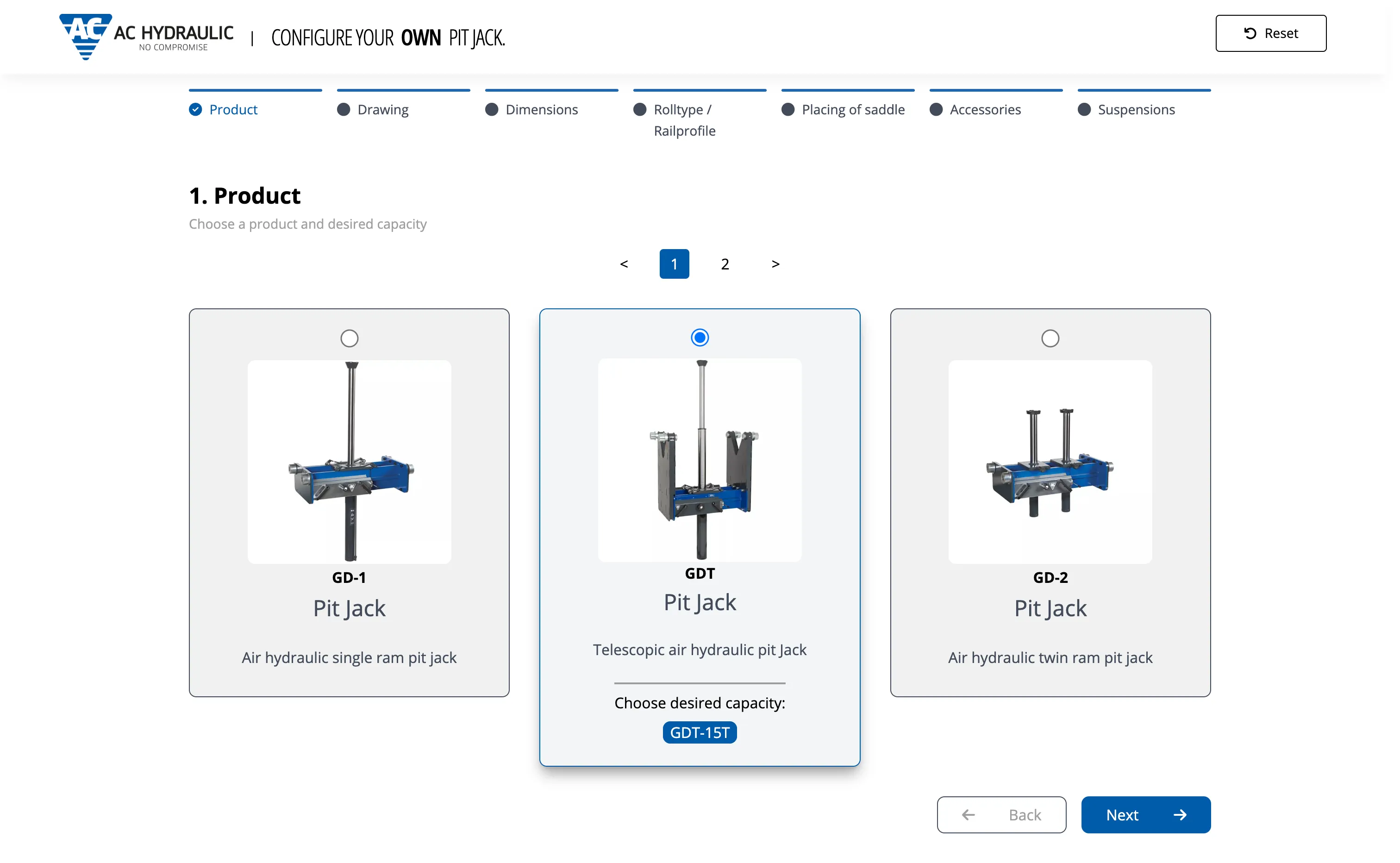
Automotive configurators, industrial machinery, building products, and kitchen manufacturing, all driven by the same CPQ configuration state.
What you get
Selections, rules, and materials feed one visual model. Buyers see the configured product; sellers use the same view in the session and in outbound documents.
3D models update as options, sizes, materials, and accessories change in the configurator.
Each selection updates the view in the session, without page reloads or offline render jobs.
Surface materials, colours, and textures reflect the configured specification, not a generic catalogue shot.
Rotate, zoom, and inspect the configured product before the quote is sent.
Where it fits the product, buyers can place the configuration in their environment via tablet or mobile AR.
Configured visuals can embed in PDF quotes, proposals, and shareable links from the same configuration state.
Where visuals help
Industrial buyers often approve capital equipment they have never touched. Visuals turn option codes into something the procurement team can review without calling engineering.
Procurement and project teams can compare options visually instead of decoding BOM lines and spec tables alone.
Long attribute lists are hard to sell on paper. Visuals show how combinations change size, layout, or finish.
Share a configured view on site, in a video call, or inside the proposal document.
How it works
Mercura renders from the configured product state. When rules hide an option or swap a component, the visual follows.
Each valid selection refreshes the 2D or 3D view so the buyer sees the consequence of the choice immediately.
Materials, finishes, and assembly context reflect the configured BOM, not a marketing render disconnected from the quote.
For equipment and building products, buyers can preview fit in their space via tablet or mobile.
Configured screenshots and renders can flow into quote PDFs and proposals without manual export from another system.
Visual pipeline
One configured product state powers the web configurator, sales portal, quote PDF, and AR experiences. When rules change the BOM, the visual follows.
Mercura CPQ
Rules and selections
Visual engine
2D and 3D from CPQ state
Output channels
Visual CPQ does not replace technical validation. It reduces misunderstandings between sales, buyer, and engineering about what was quoted.
Clearer buyer sign-off
Project and procurement teams review a configured view alongside price and BOM, not option codes alone.
Less rework after the quote
Shared visuals cut the back-and-forth when buyers assumed a different layout, finish, or scope.
One visual source in every channel
Web configurator, dealer portal, and quote PDF can show the same configured product state.
Fit and limits
Mercura shows buyers configuration-driven 2D and 3D views tied to the same rules as quoting. It is not a CAD authoring tool or a marketing render farm.
If you only need hero images or brochures that never change per option, a design studio or DAM is enough. CPQ visuals update with every valid selection.
Engineering models and release control stay in CAD and PLM. Mercura consumes structure and assets for sales-facing views and quote embeds, not detailed design work.
Visuals driven by rules need a configuration model behind them. Build product modelling and the configuration engine before you invest in interactive renders.
Highly bespoke CGI for one-off projects may still need external rendering pipelines. Mercura focuses on sales-accurate views from configured BOMs and options.
Related
If your bottleneck is not “buyers cannot see what they configured,” fix configuration data before you add visuals.
Request a CPQ demo