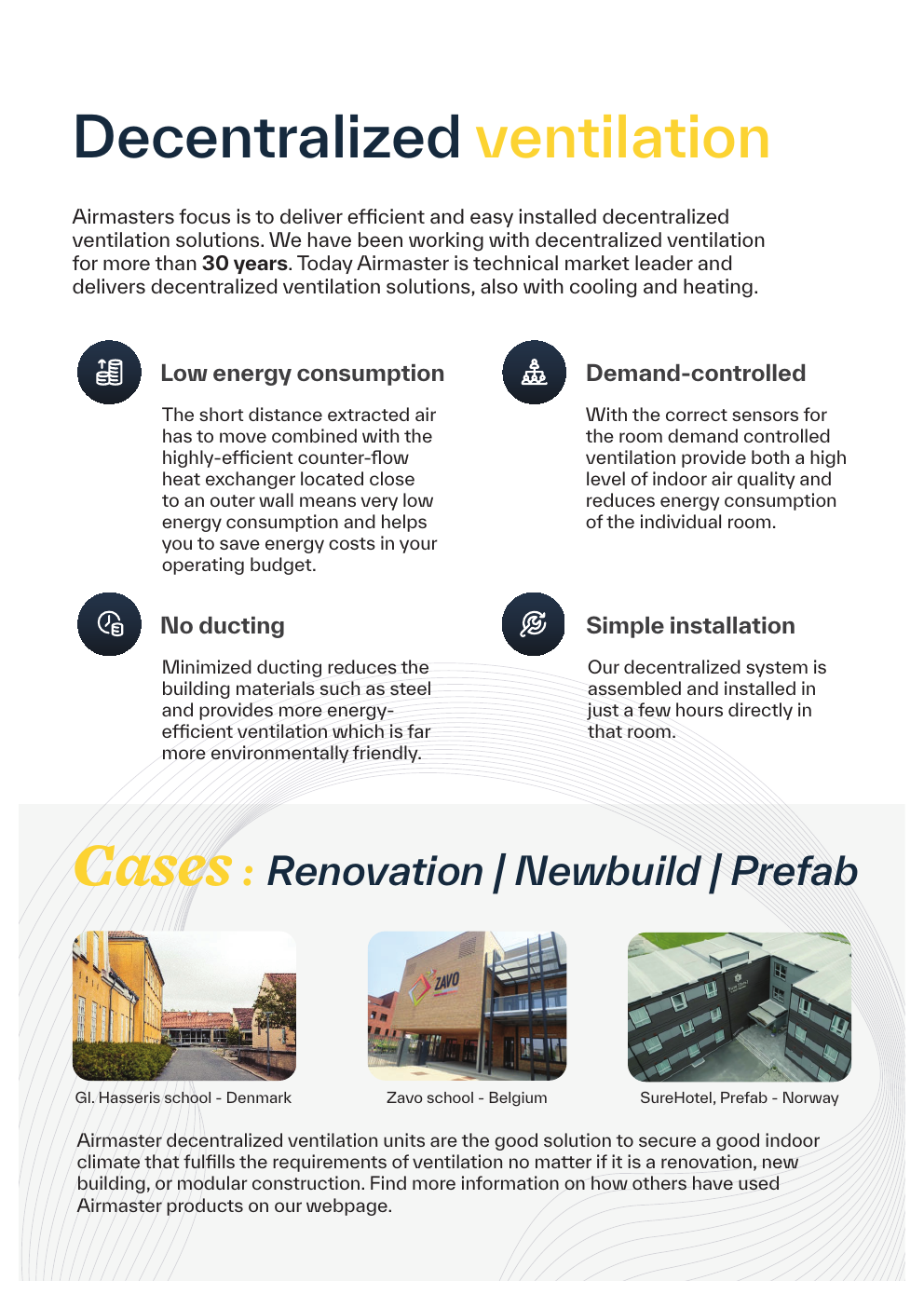
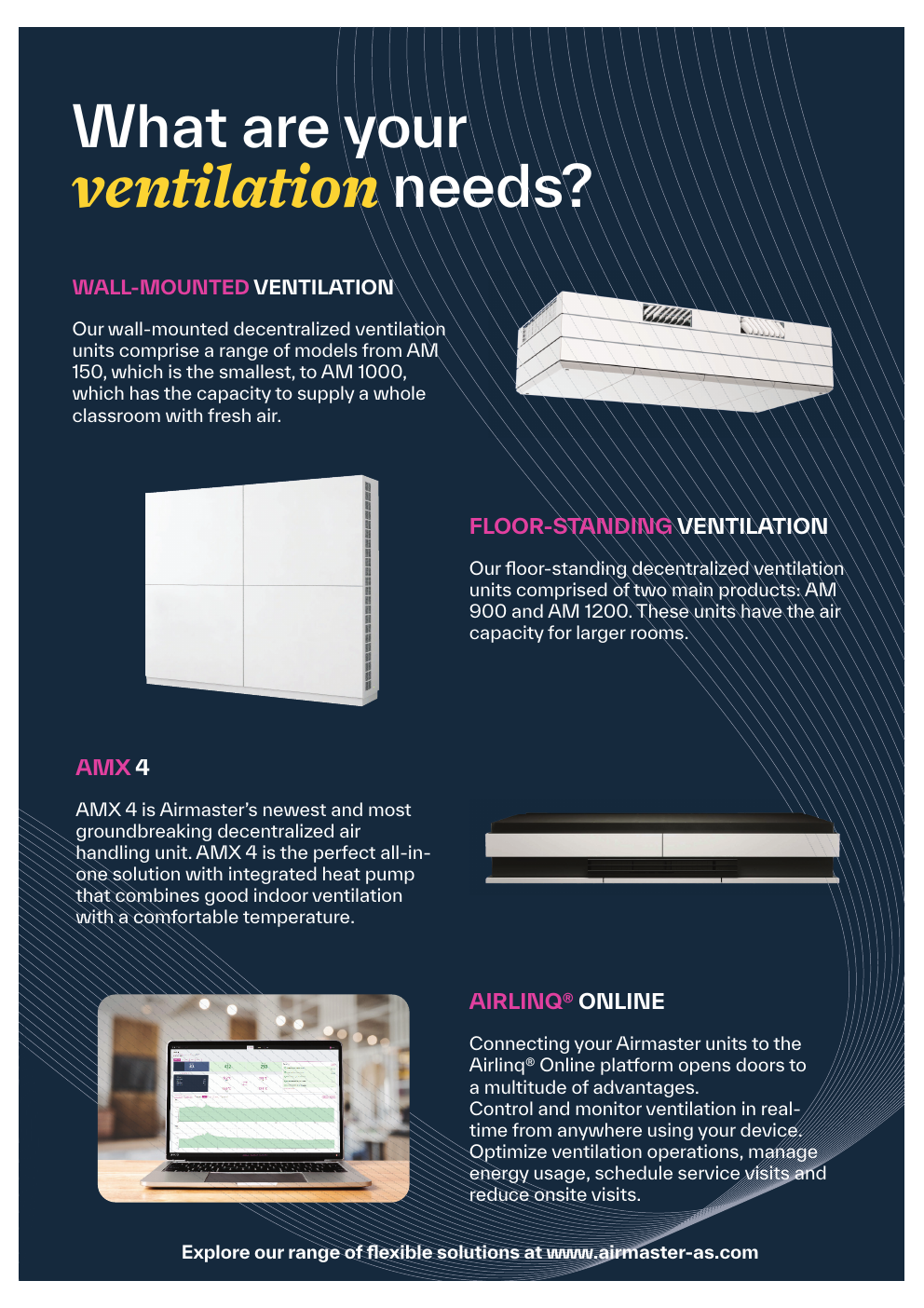
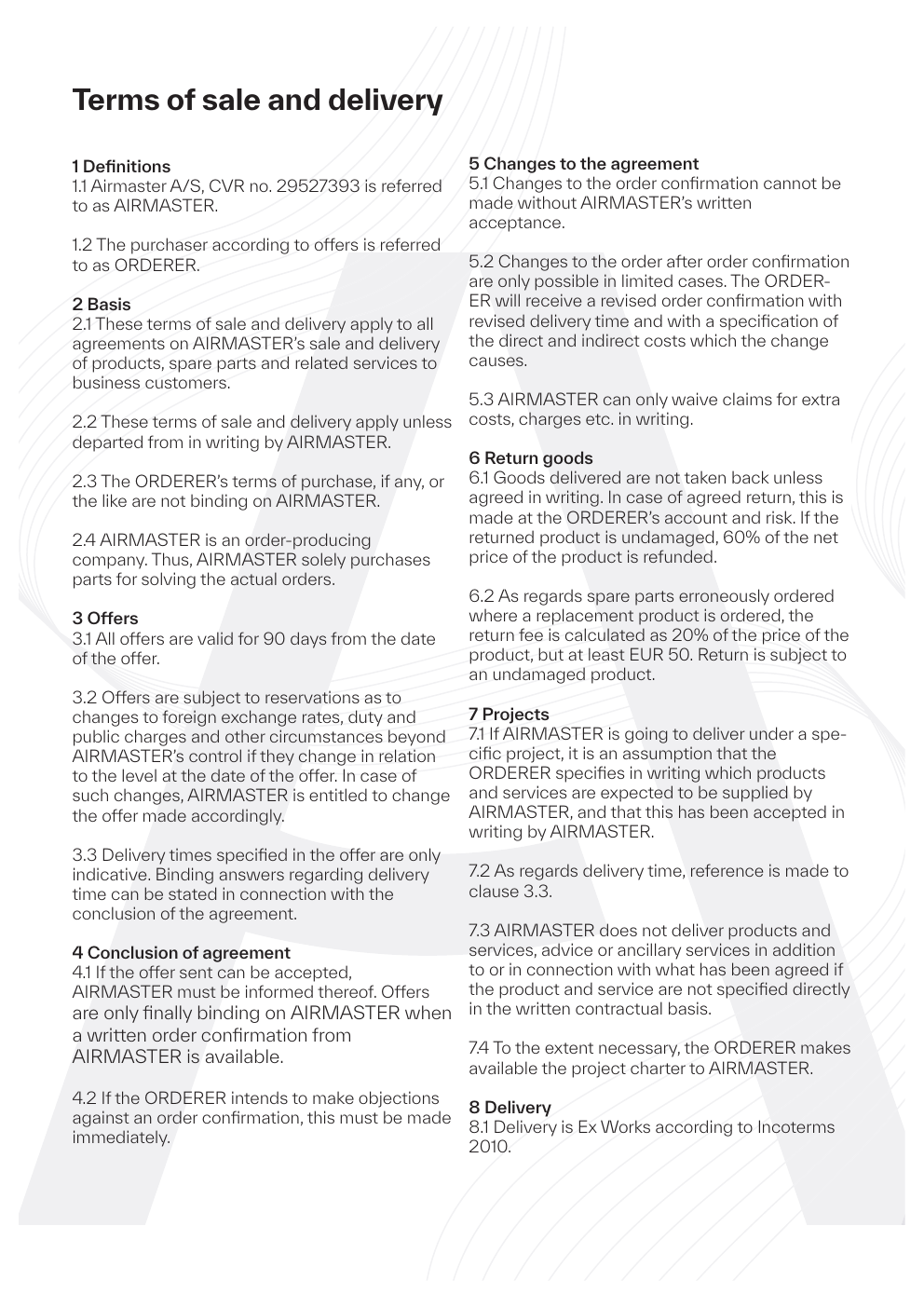
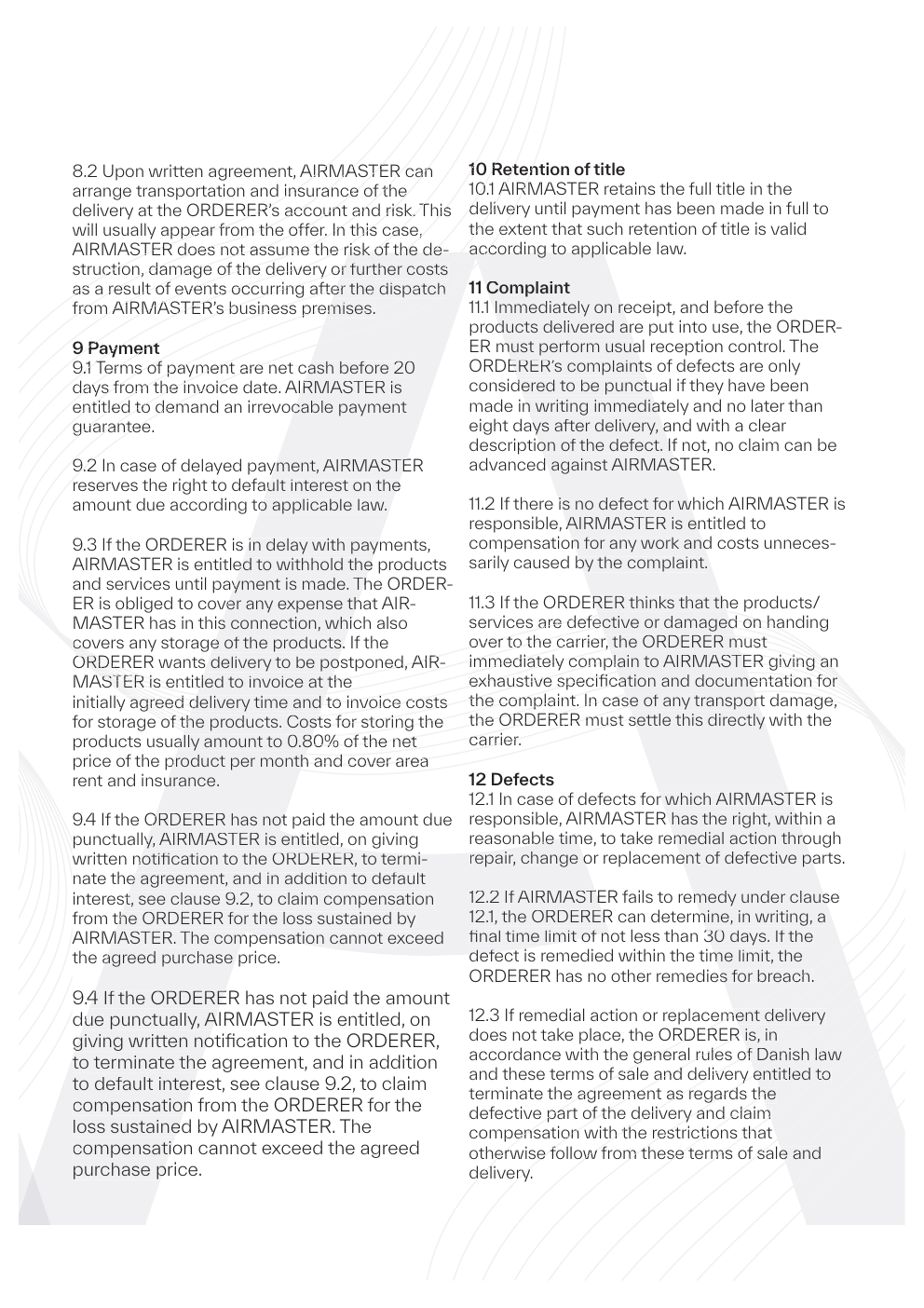
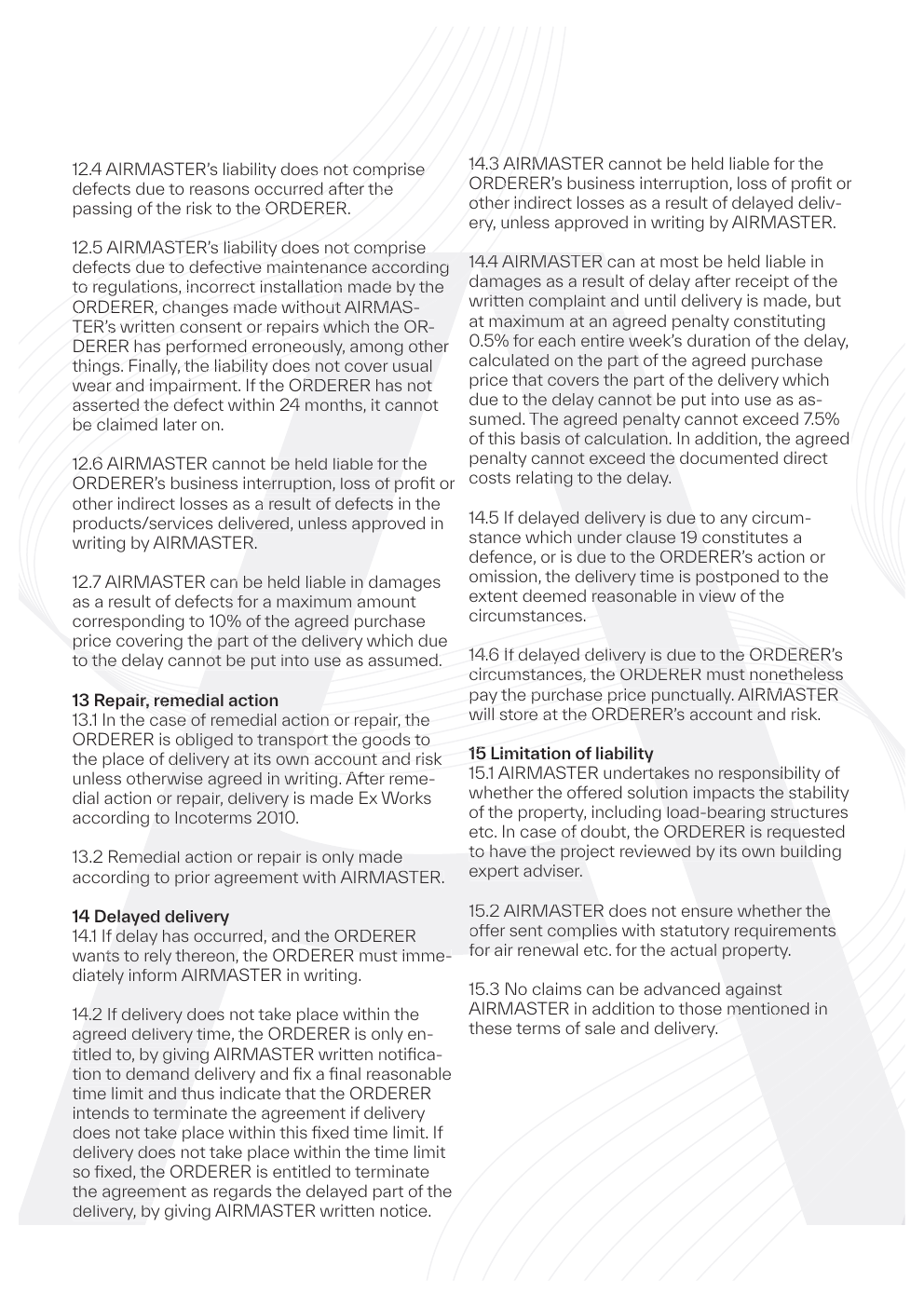
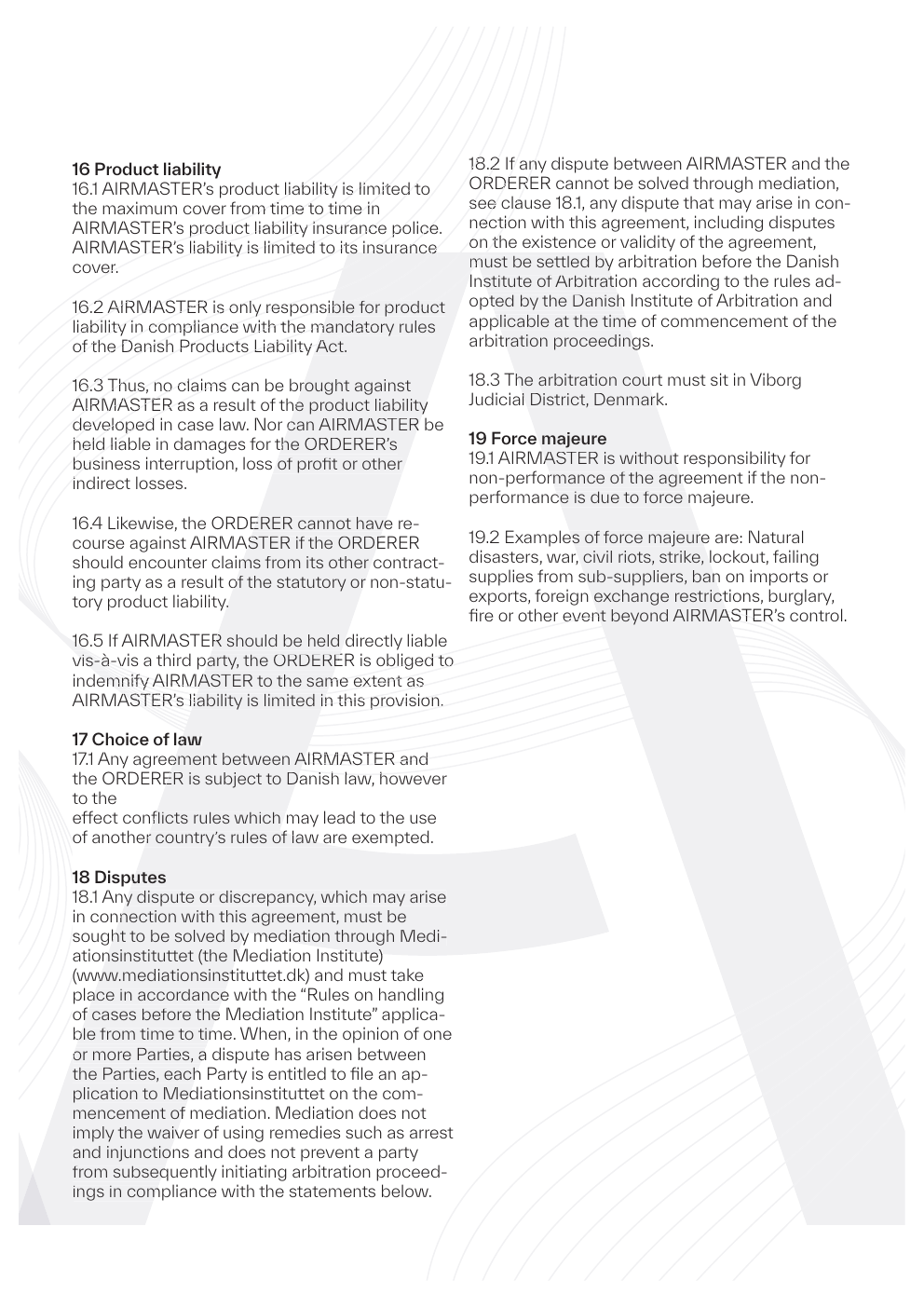
Branded quote templates
Word and PDF templates with your logo, typography, and layout, shared across direct and dealer channels.
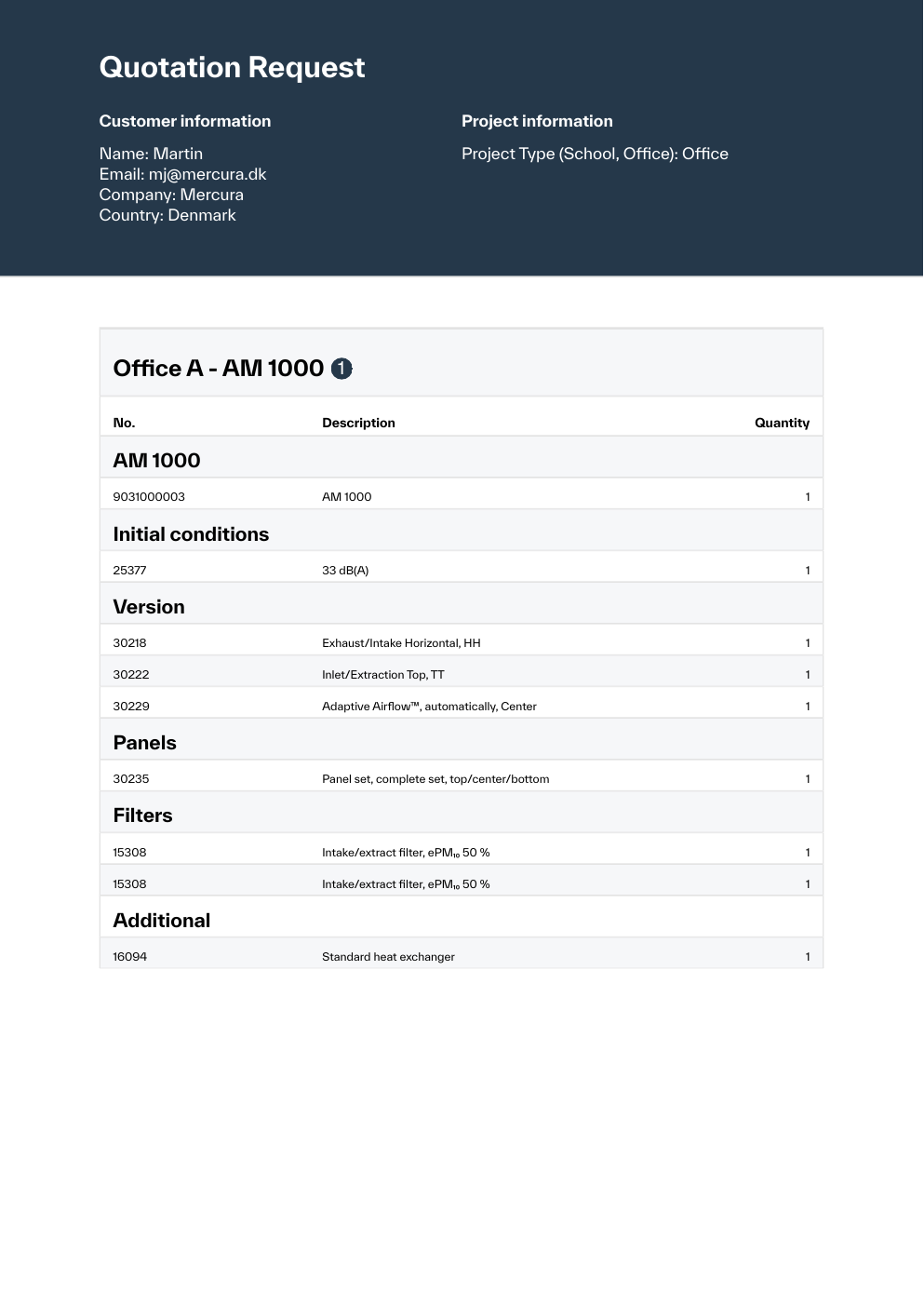
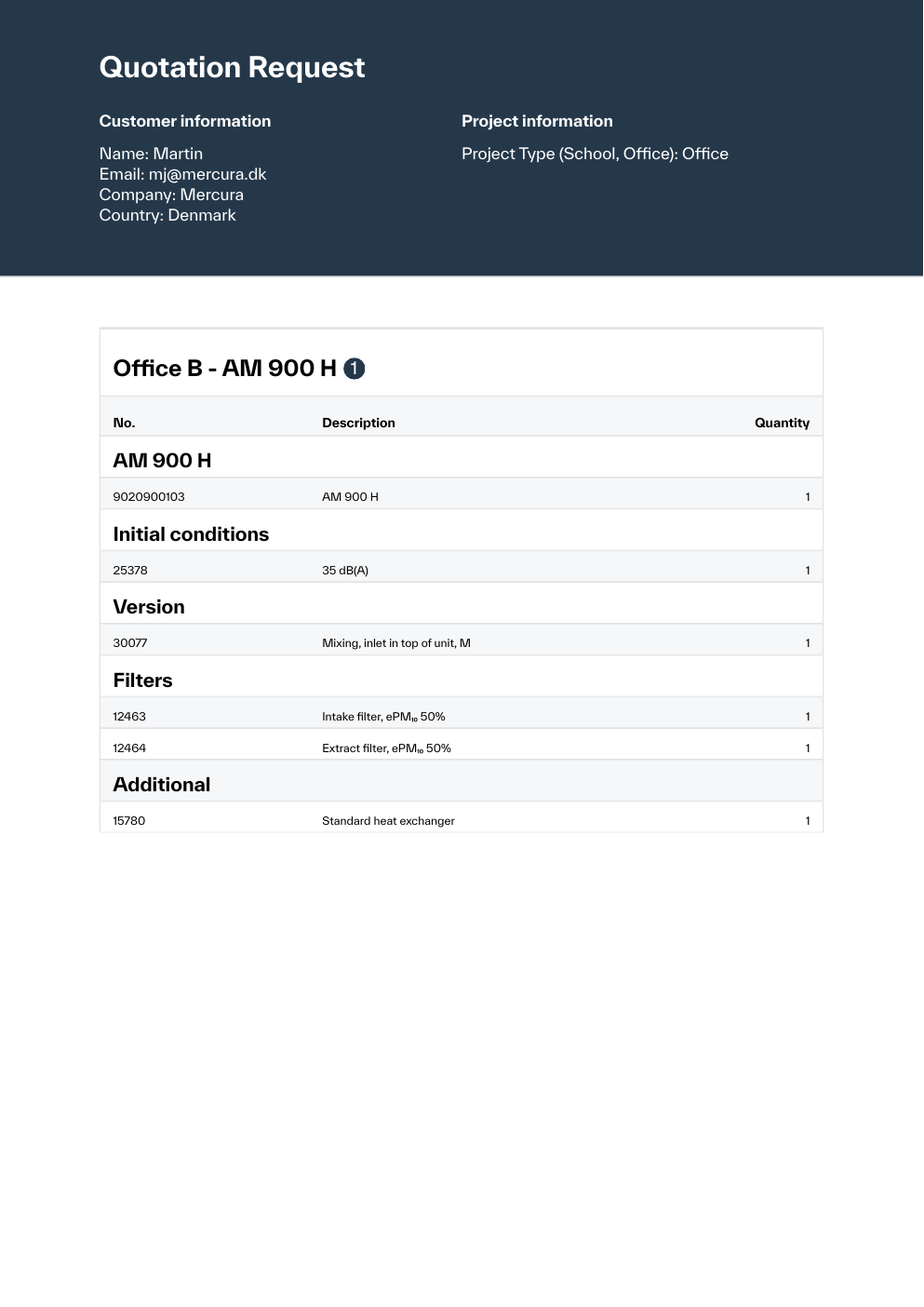
Mercura generates branded PDF and Word documents from validated configurations. Prices, BOM lines, images, options, and terms merge from live product data, not copy-paste from old templates.

1 / 20
PDF · Word
Branded document templates
1 config
One source for quote content
Per channel
Templates by market and partner
Quote templates
Build quote and proposal documents from the same validated state as ERP handoff, with consistent layout and branding.
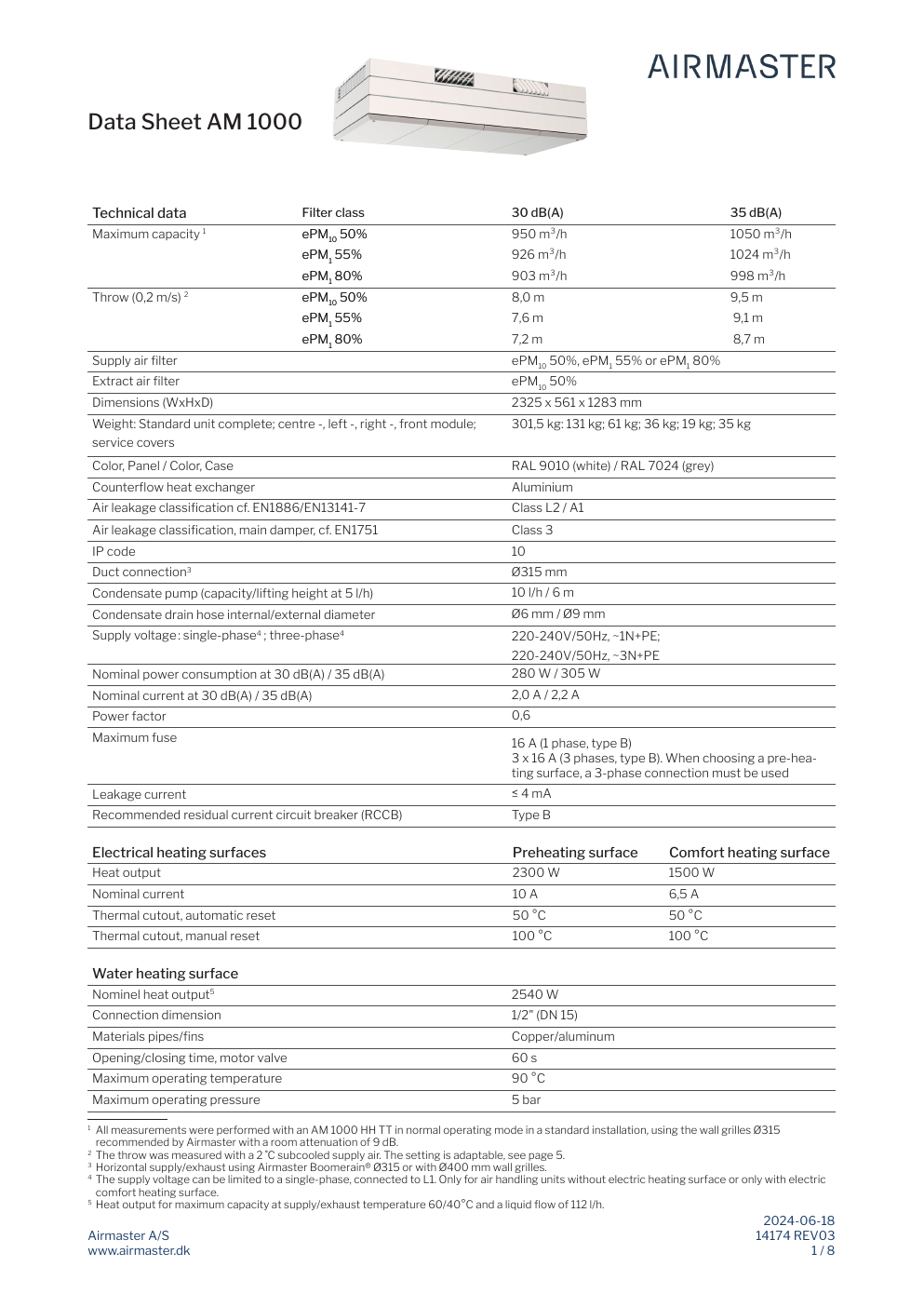
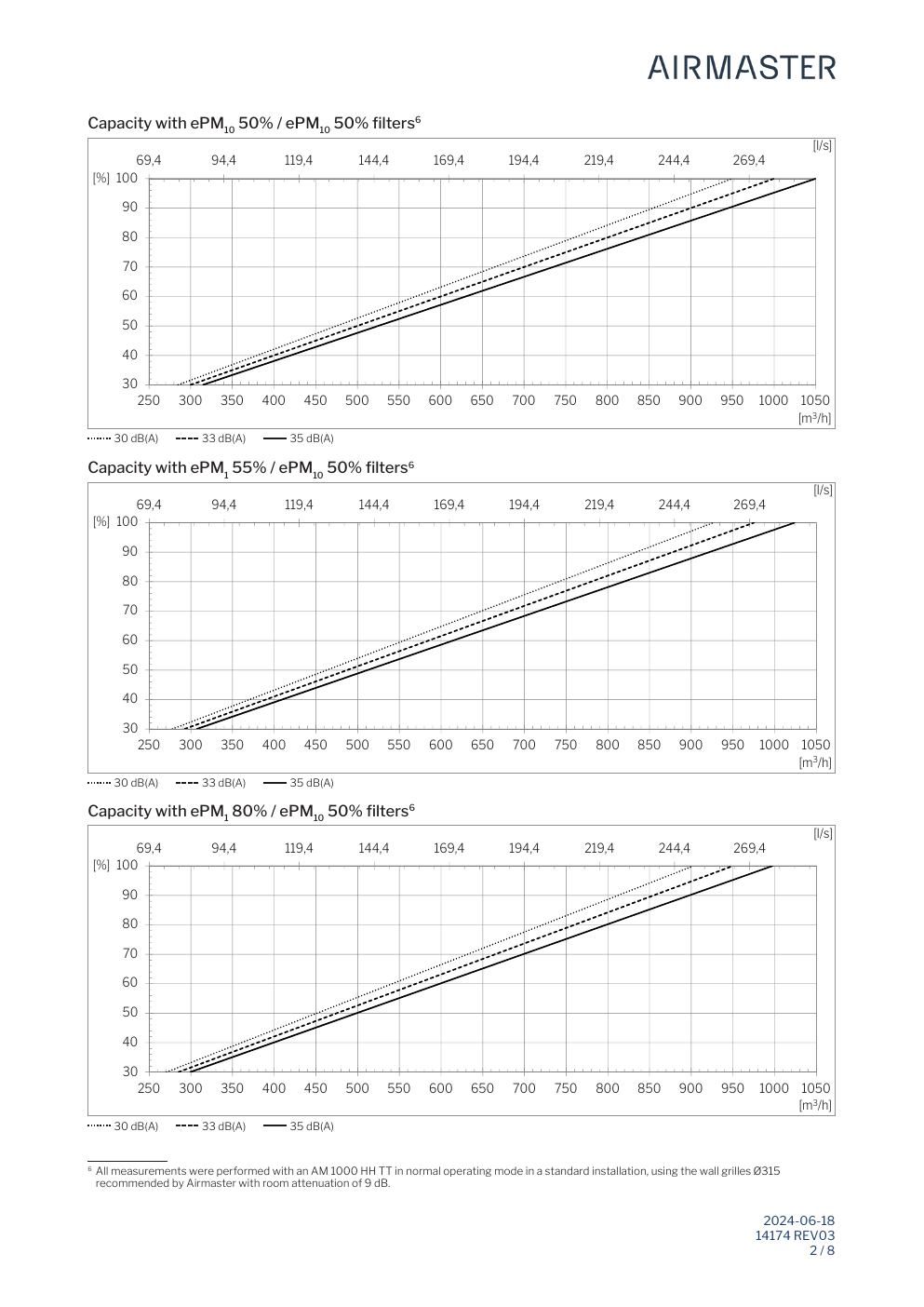
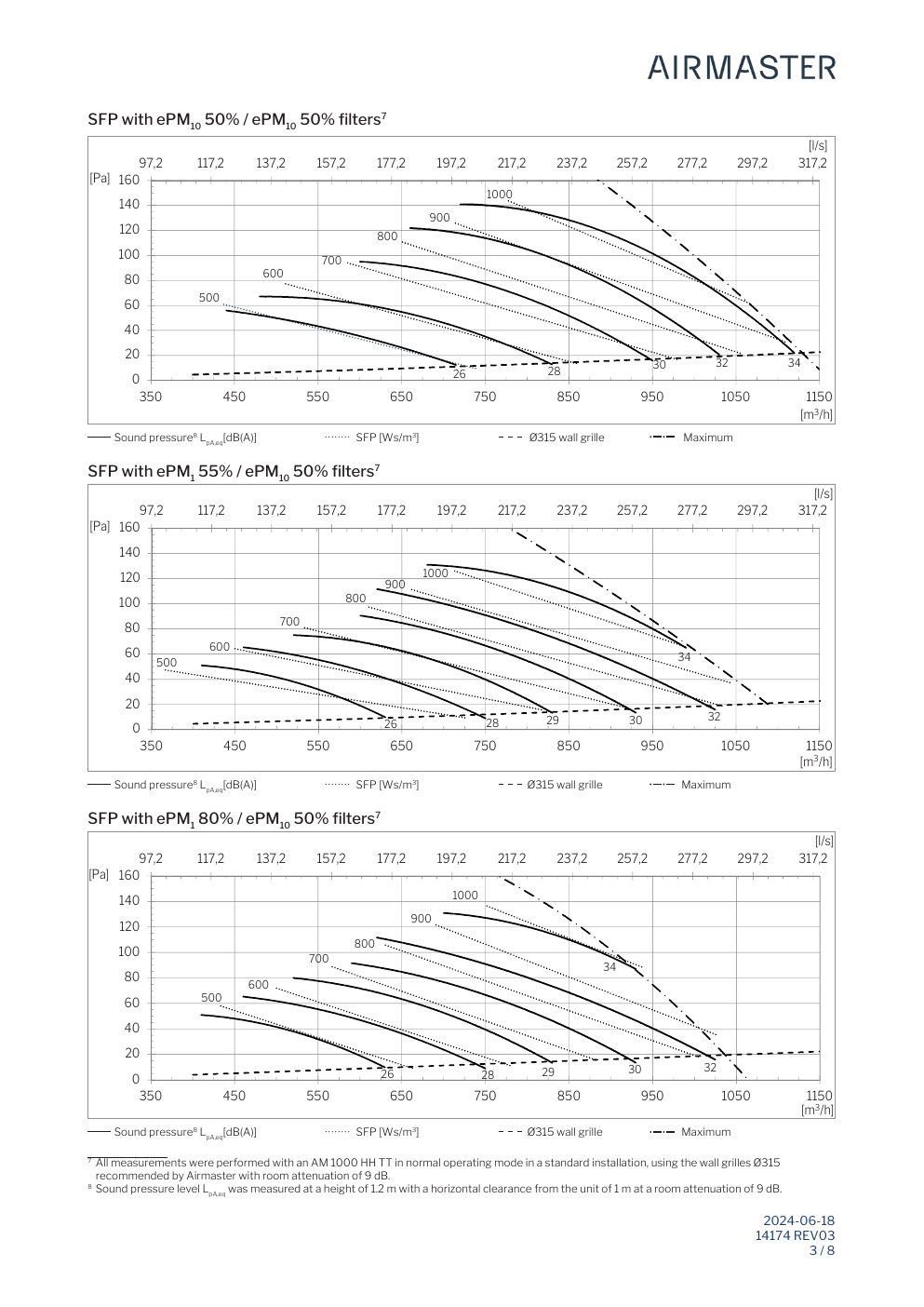
Word and PDF templates with your logo, typography, and layout, shared across direct and dealer channels.
Selected options, line items, quantities, and configuration-specific descriptions merged into the document.
Customer-specific pricing, discounts, payment terms, and validity dates from the live configuration.
Product images, configured visuals, and section graphics embedded where the template defines them.
Translated names, descriptions, legal terms, and market-specific copy per country and language.
Carbone merge rules and conditional sections so templates adapt to product type, channel, or document length.
Document use cases
Most manufacturers need more than one layout. Mercura supports different structures for direct sales, dealers, and regional markets.
Customer experience
A useful CPQ document shows what was configured, what is included, what is optional, and what happens next, not just a price total.
Show the configured solution with descriptions, images, selected options, and scope the buyer can evaluate.
Every customer and dealer gets the same template logic instead of a manually edited file from last quarter.
Include pricing, terms, and product detail up front so procurement can review without extra email rounds.
How it works
Mercura connects your product model to reusable document templates so sales stops rebuilding quotes from outdated files.
Configure
Validated configuration
Choose template
Quote or proposal
Generate document
Merge live product data
Share or regenerate
PDF or Word download
Build a valid configuration with rules, dependencies, and pricing calculated in real time, for sales reps, dealers, or self-service buyers.
Select the right quote, proposal, or order confirmation template for the channel, region, partner, or document type.
Mercura merges configuration data, pricing, images, and localized content into the selected PDF or Word template.
Download the finished document or regenerate instantly when the configuration, pricing, or terms change.
Template pipeline
Configuration data flows through branded templates to produce PDF and Word files for customers, dealers, and internal sales teams.
Mercura CPQ
Configuration data, pricing, images, and text
Document templates
Branded layouts, sections, and reusable blocks
Carbone template logic for dynamic sections.
Generated documents
PDF and Word files for customers, dealers, and sales
Replace manual assembly of Word files with documents generated from the same validated state you would send to ERP.
Quotes produced in minutes
Generate a complete branded document from the configuration instead of copying rows into a template.
Consistent structure across channels
Direct sales, dealers, and regional teams use shared template logic with the same data bindings.
Fewer price and spec mistakes
Prices, descriptions, and terms come from the validated configuration, not manual paste from older quotes.
Templates for more sales scenarios
Deploy market-specific, partner-specific, and document-type templates without maintaining parallel file libraries.
Fit and limits
Mercura turns a validated configuration into branded sales documents. It does not fix invalid product logic or replace your design or invoicing stack.
If you only need marketing PDFs with fixed content, a design tool or CMS is enough. Document generation is for quotes where prices, BOM lines, and options change per deal.
A polished PDF on top of wrong rules or list prices still misleads the customer. Fix the configuration engine and pricing engine before you automate documents.
Mercura does not replace CRM proposal modules or ERP invoicing. It produces sales quotes and supporting documents from CPQ data and hands off to your stack where you connect it.
Terms, compliance text, and final contract execution may still sit in legal or e-sign tools. Mercura outputs the configured commercial document; your process owns the signature step.
Related
If your bottleneck is not “sales cannot produce a correct quote document from a valid configuration,” fix that bottleneck first.
Request a CPQ demo